
With the release of the Pagecord API, I can scratch a small itch: publishing from iA Writer to my Pagecord blog.
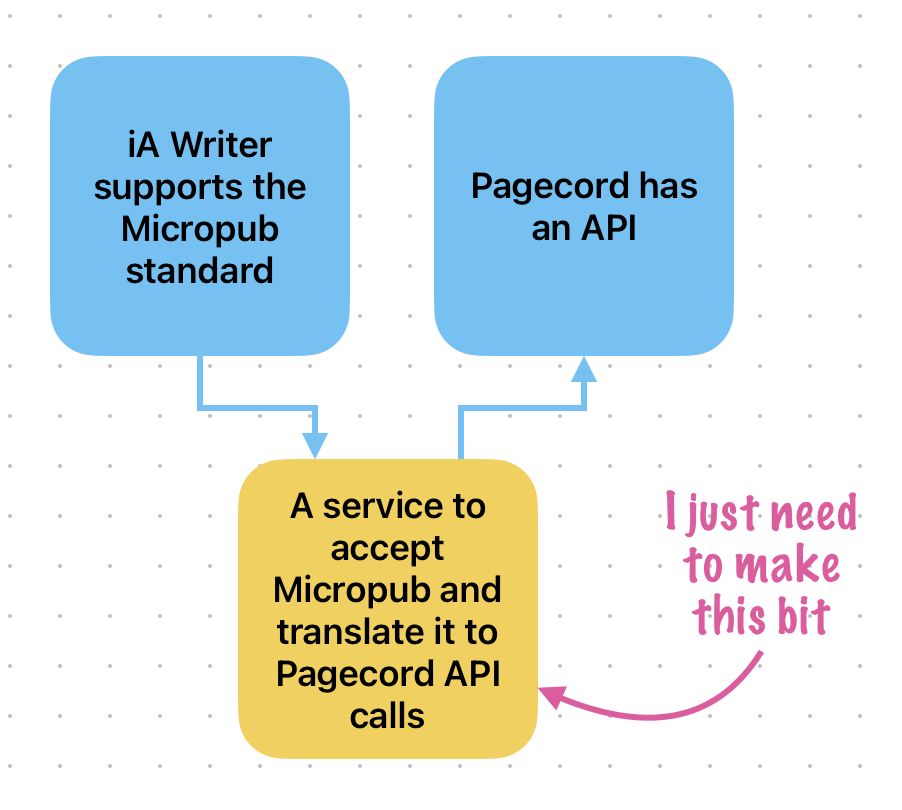
I've been curious about its ability to publish to various blog platforms, but never had the chance to try it. But now, because it supports an open standard called Micropub, I can:
Building the service
I could not work up the enthusiasm to read the Micropub spec, so I asked Claude to do the coding. I gave it the goal, the APIs specs, and said I wanted to deploy it as a serverless edge script at bunny.net. And it did that, with me as the meat-based debugger.
Deployment
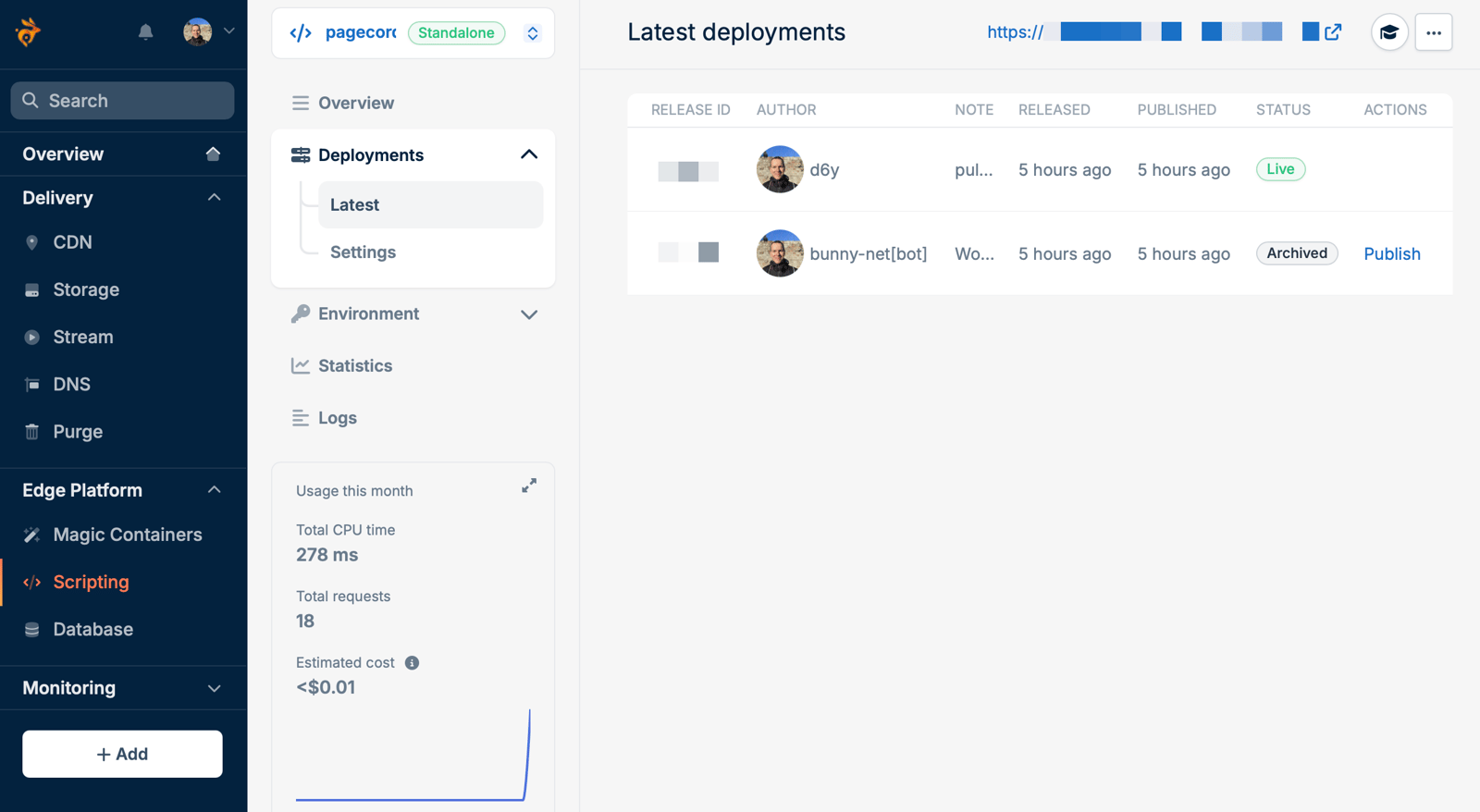
It's possible to upload a script to Bunny.net, but I linked to the GitHub repository instead. Bunny added a GitHub action to build the code, so it's deployed on push.
Running the service
An edge service at Bunny.net runs only when needed. They bill based on runtime and number of requests. At the time of writing, it's $0.02 for 1,000 seconds of CPU, and $0.2 per million requests.
Now, each post takes around 20 milliseconds. I'll have to blog a lot to start paying real money for any of this.
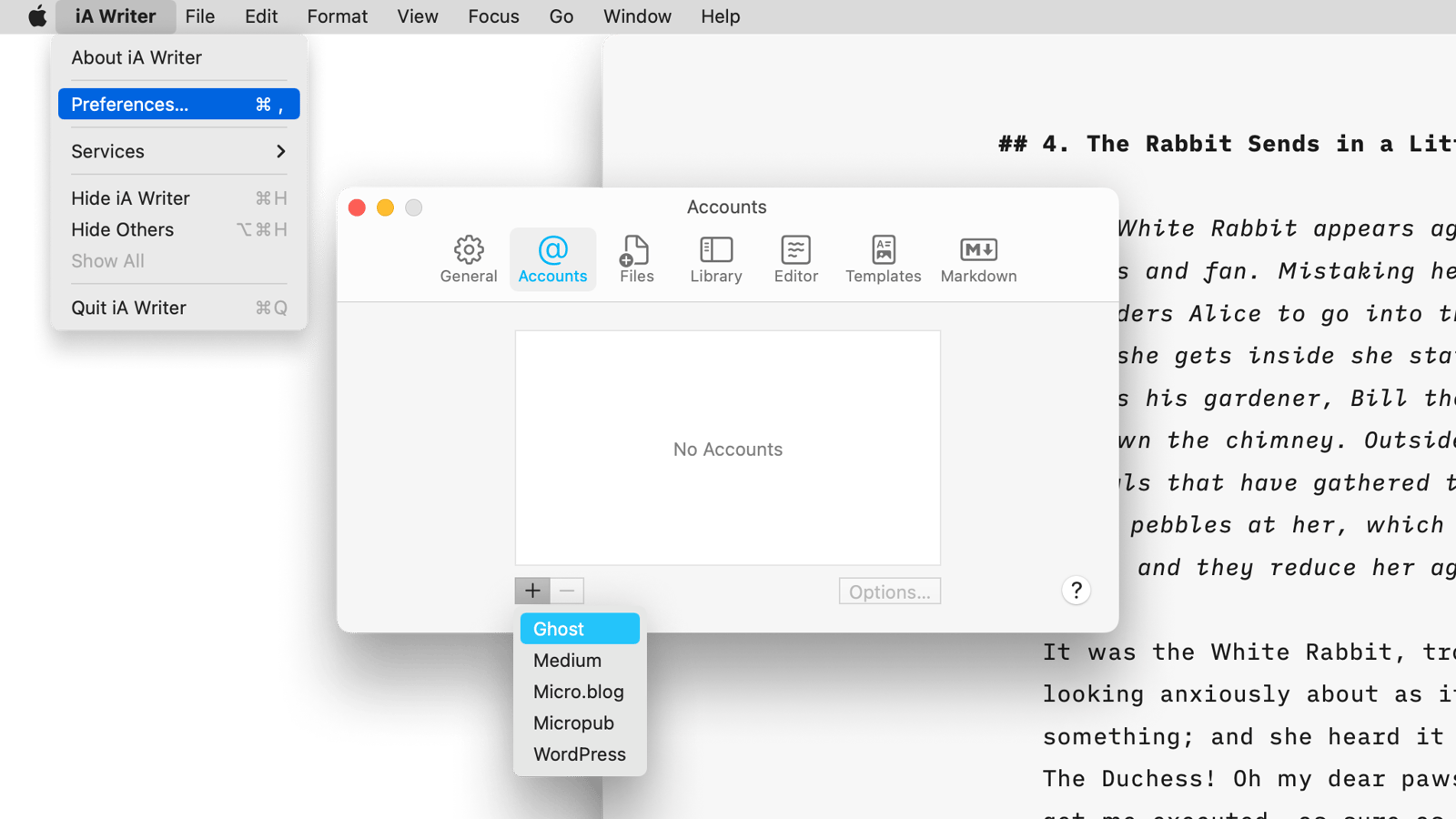
The final step is plugging the deployment endpoint created by Bunny.net into iA Writer's preferences. Then it's File > Publish and it appears as a draft at Pagecord.
Itch scratched ✅
This would not be better baked into Pagecord
You might wonder why Pagecord couldn't support Micropub. There's no reason why not, other than it being a bit niche. However, there's a big advantage to doing this via an API: I can tweak the behaviour.
For example, the main thing I'm likely to change is the way titles are generated. iA Writer likes to send the filename as the title. I think I'd like to send the first header as the title, and if there is no header, the post has no title. I can do that with this code, and no one else is troubled by my preference.
(It’s not either/or, but an API is more powerful in this case.)