
Update June 2025: apparently Markdown export is coming to macOS and iOS 26
Apple’s Data & Privacy tool lets you export or transfer data from iCloud. I tried out an export for Notes and found:
- It works, in that you get ZIP files containing all your notes.
- It takes about five days (in my case)
- The output is plain text files plus attachments (images, PDFs)
But:
- Formatting is lost
- Handwritten notes are lost
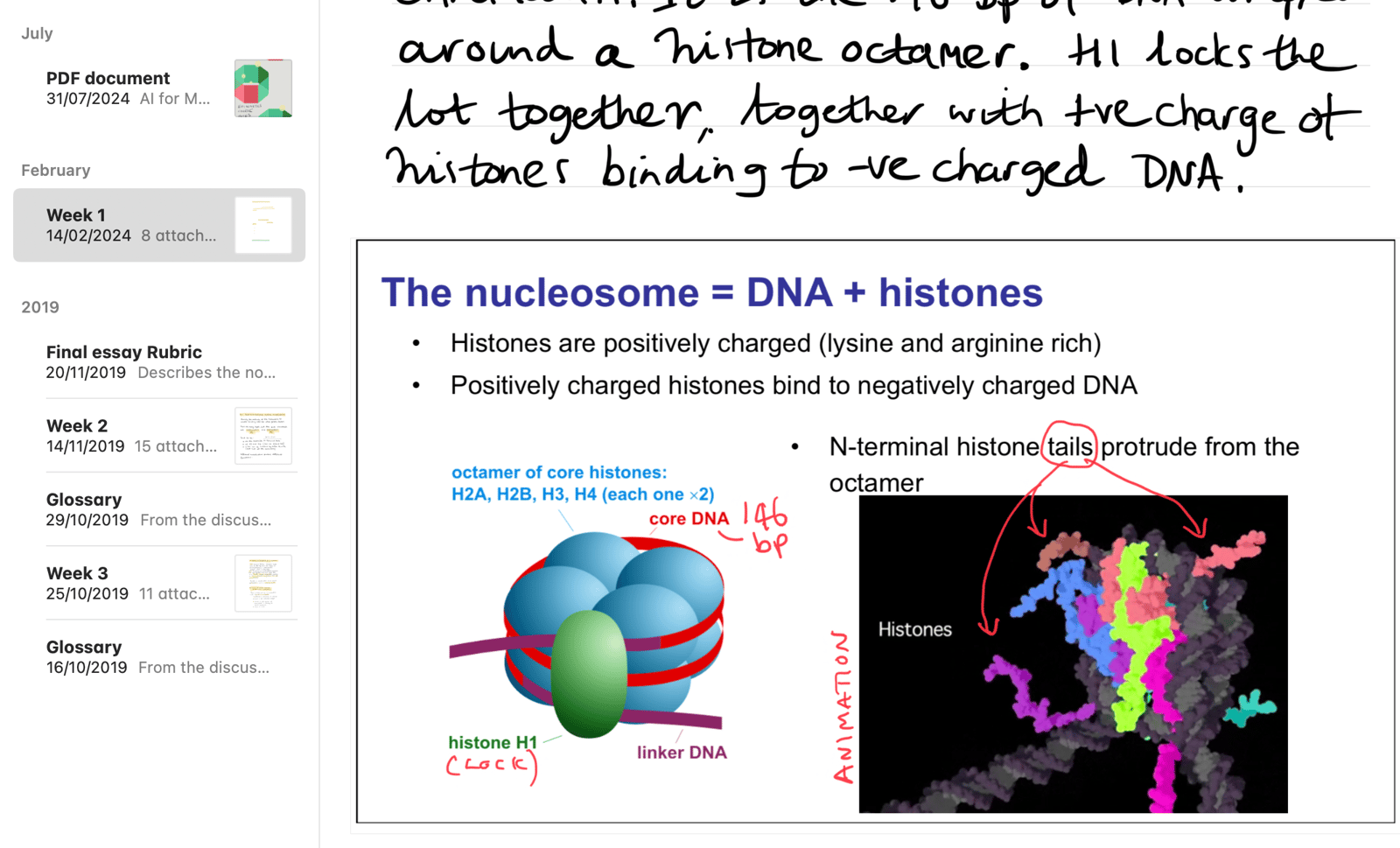
Here’s an example note from a course I did a long time ago. Its a mix of handwritten notes plus pasted images:
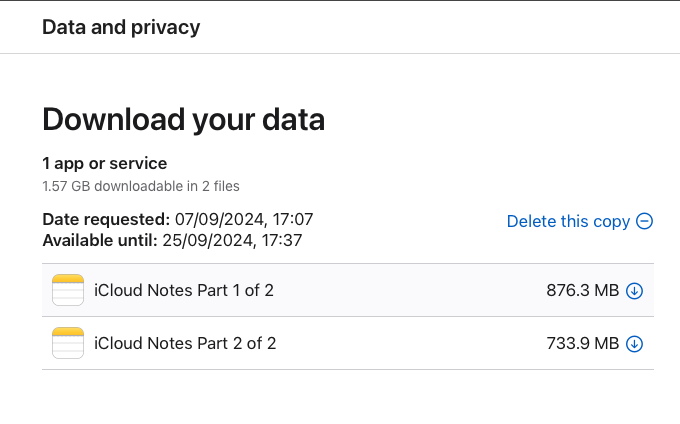
I requested a download of all my notes, and was emailed when they were ready:
After downloading, I unzipped each file and got a folder full of notes.
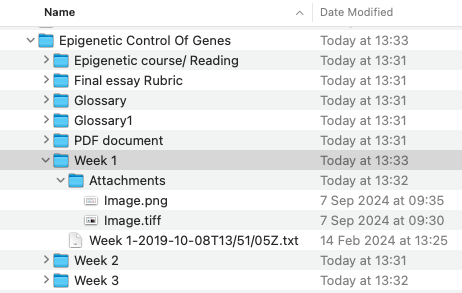
What I was given was:
- an empty text file; and
- two images, for the two images I’d pasted in.
What I might have hoped for was at least an image or PDF of my scrawl.
For other Notes (that I’d typed), I received the text but no formatting. It would have been great to get markdown or HTML or at a push Rich Text if that’s still a thing.
Of course, you can go to each note and export as PDF and that preserves everything. But that’s one-by-one and only a PDF.
Alternative exports
- Third-party macOS exporter, called Exporter (not tried it).
- Also https://github.com/storizzi/notes-exporter which is a mix of AppleScript and Python that looks like it does a pretty good job.
- The automator and notes from Bear.
None of these exports attachments inside notes (e.g., CSV files or PDFs). However, the Apple iCloud export does. So perhaps a combination of tools.
Best single alternative
This would be Obsidian and the Notes Importer. Not perfect, but the best of the bunch and highly usable. Only failed on 11 of my notes, and if I need to export them by hand, that’s not so bad.