In the continuing series of “because I always forget so better write it down”.
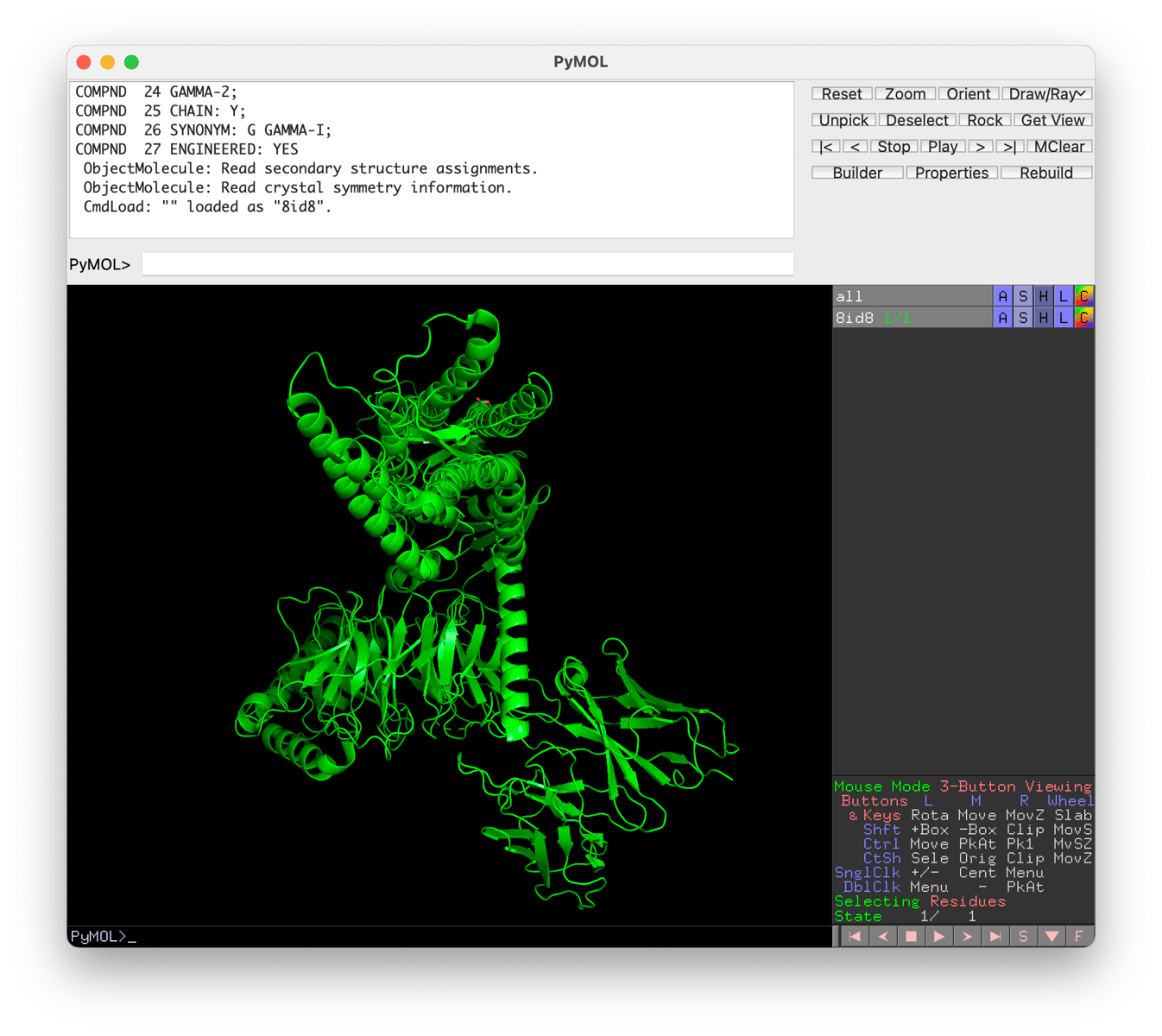
Touchpad controls on a Mac
- Single click (hold) and move — rotate
- Command + click (hold) and move — reposition
- Two finger click (hold) and move up or down — zoom in or out
Commands
-
center sele— centre the view on the selected object -
get_position— the 3D co-ordinates of the centre
Bounding boxes
- Grab a script such as draw_box and File > Run Script… to load it.
- In the PyMOL> command window:
draw_box center=(98.124, 123.441, 117.776), size=(15, 15, 15), spacing=1, linewidth=15, color=(255, 255, 255)
Object controls
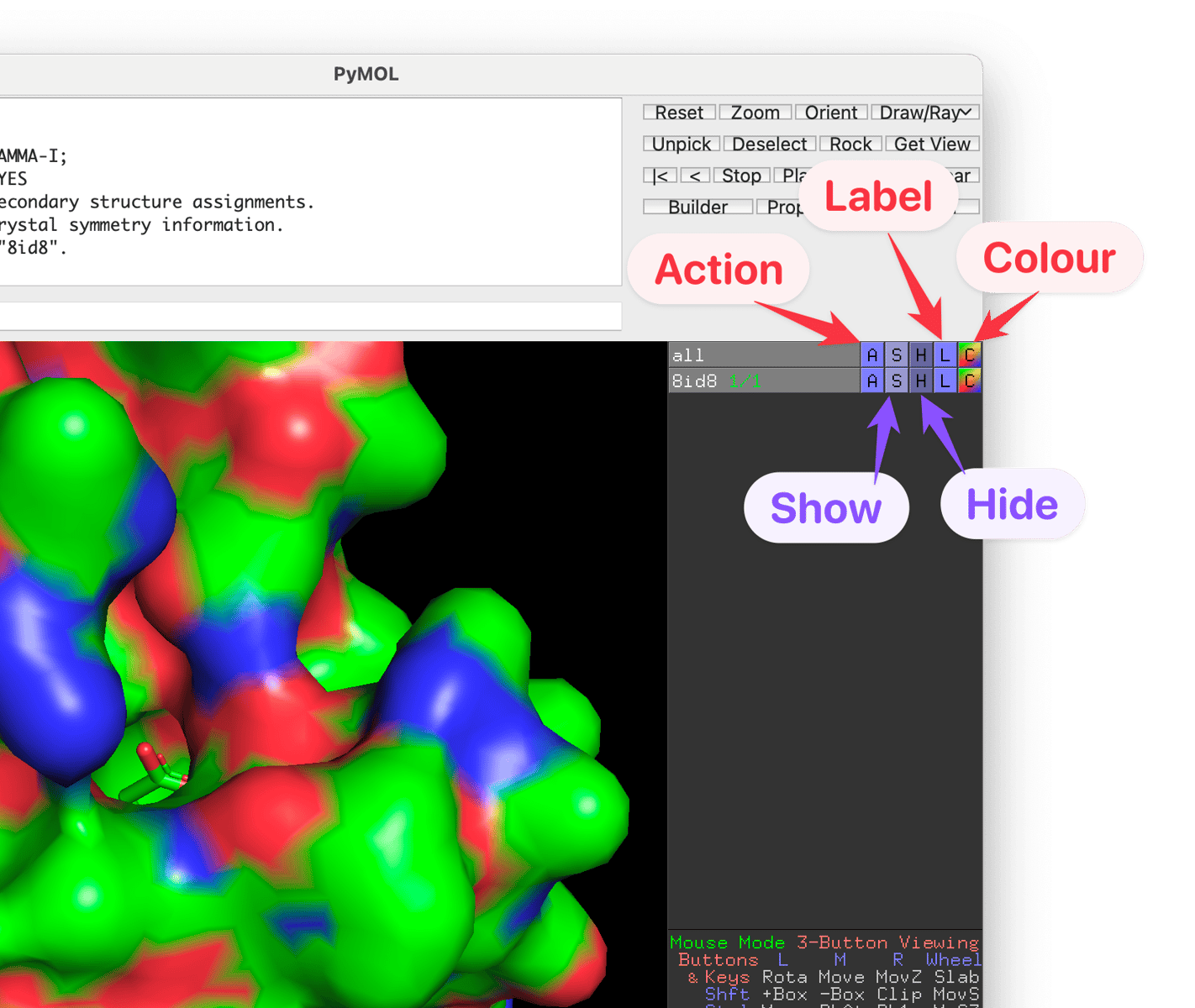
E.g., if you want to render a protein surface, it’s under the S (show) menu: