
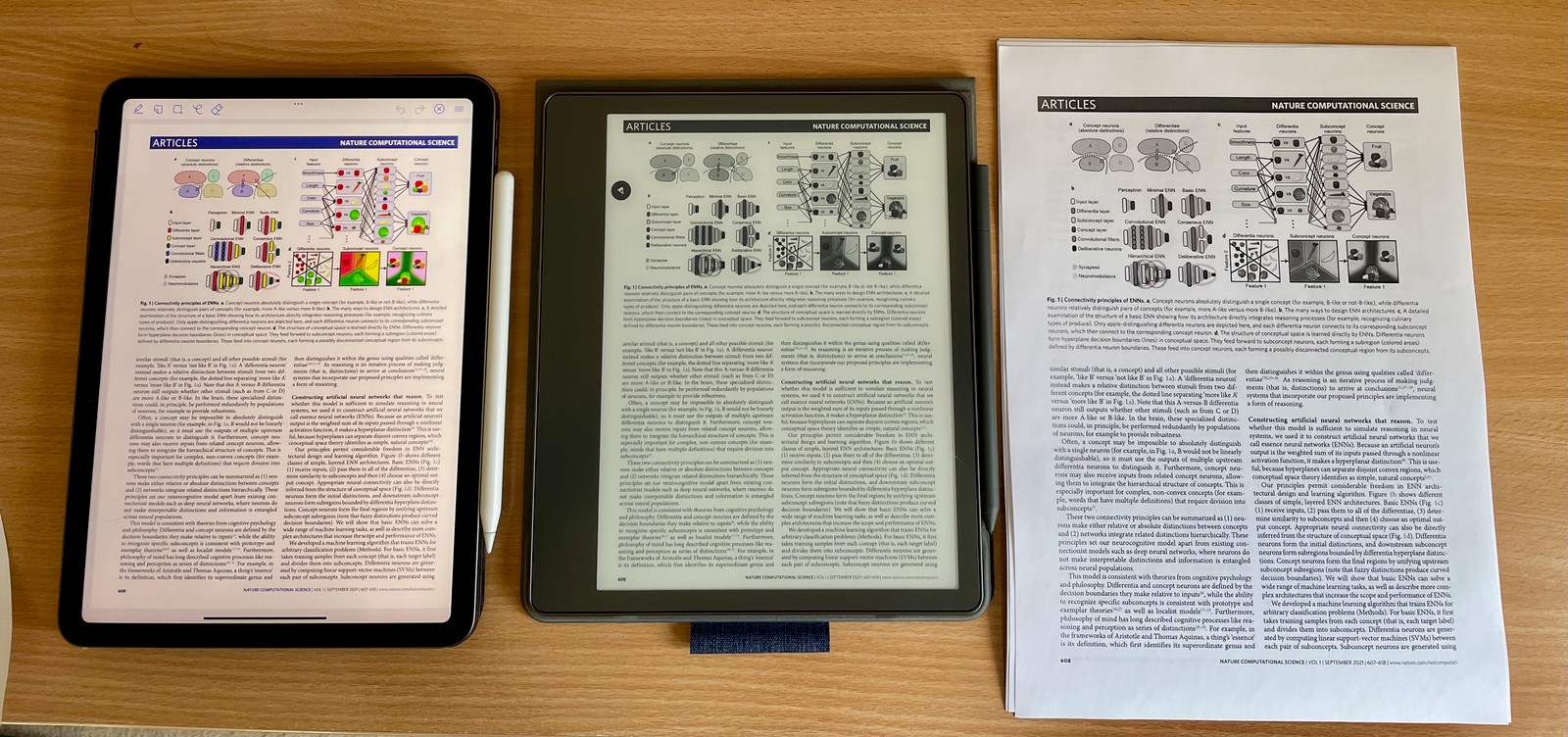
The Kindle Scribe: it’s a big Kindle you can write on.
I’m using it much more than the iPad I was using before for reading, or the Kindle Paperwhite I traded in. Experience so far:
The writing experience is much better than the iPad + pencil. I take notes on it, rather than paper. I do miss having colour, though. It’s not essential, but colour highlighting and pens is just nice and fun to have.
Notebooks (where you write) are disposable for me. Compared to iOS apps, searching on the Kindle and handwriting recognition is poor. Notebooks wouldn’t form a permanent record or journal for my purposes. They’re still useful, and I use them.
Reading, especially now the sun is out, is a joy, as it is for any e-ink screen. It’s just bigger, so I’m not tapping the page so often. Highlighting with the stylus/pen works.
Reading academic two-column papers is fine. The iPad is much faster for zooming, and it has the benefit of colour for making sense of diagrams. On the other hand, the Kindle has a great battery life so when I pick it up I can actually use it to read rather than sighing and going off to find a charger.
My workflow has become:
- For books, it’s a Kindle so via the store or side-loading.
- For academic papers:
- I send the PDF from Zotero to Kindle, and read and highlight as a first pass.
- If I’m going to keep the notes and highlights, I transcribe them back into Zotero. Whaaaat! Yes, I see it as a feature not a bug for reinforcing the stuff I’m reading.
- I keep my phone near-by with the Zotero app on it in case I really need to look at a colour image.
-
For anything else (newsletter, web pages) I send them to Omnivore, and periodically run theomnivore-epubapp. 2024: RIP Omnivore; I use Send to Kindle for this.
I’ll note that you can buy a lot of pens and paper for the price of these devices. Then again, for reading, you could make your money back from toner cartridge savings.