
I'm giving a small number of print gifts, and wanted to remove background items from the photos I'm using. This was beyond my editing skills in Pixelmator Pro.
But Gemini can do it. I used prompts like this:
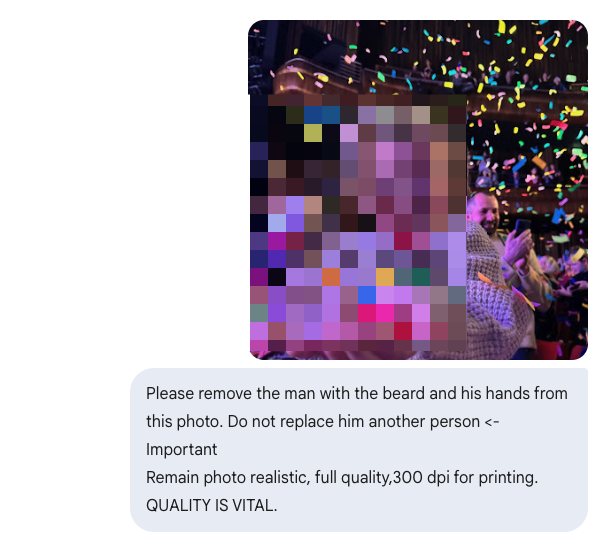
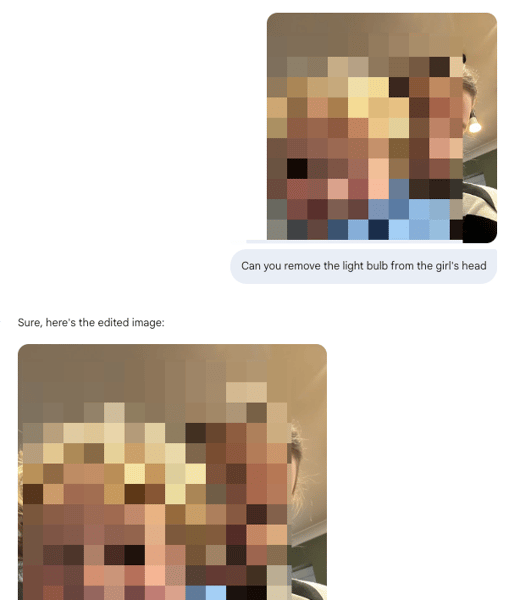
It did a very good job at making the edits, but it just could not do the quality. Nowhere near 300 dpi.
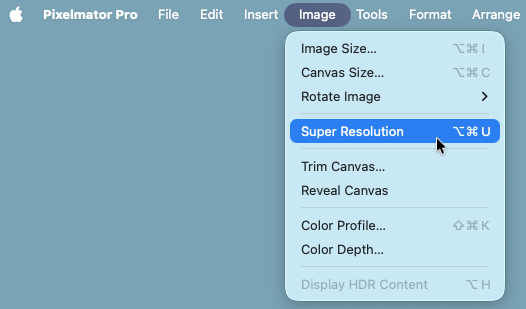
The trick was to jump back to Pixelmator Pro and use Image > Super Resolution to upscale:
The print versions have just arrived and they are flawless.
The resolution upscale happened on my laptop. I'm sure it won't be long before I can instruct the edits locally too.
The resolution upscale happened on my laptop. I'm sure it won't be long before I can instruct the edits locally too.
(The above was before "Nano Banana Pro" was released, so maybe that can do it all in one go. I don't know.)